Short description
Duo Trackpad turns an iPhone or iPad into a customizable trackpad for your Mac. Point, scroll, click, drag, and use familiar gestures through a small Mac menu bar receiver.
Duo Trackpad brings Mac pointer control to the iPhone or iPad screen. Find the product facts, ready-to-use descriptions, and six approved icon appearances below. For press inquiries, please contact CoreBits.
Duo Trackpad turns an iPhone or iPad into a customizable trackpad for your Mac. Point, scroll, click, drag, and use familiar gestures through a small Mac menu bar receiver.
Duo Trackpad brings an expressive touch surface to the iPhone and iPad for controlling your Mac. It supports pointer movement, clicking, two-finger scrolling, three-finger dragging, app and Space gestures, and pinch zoom in compatible apps. The app chooses among available USB network, Wi-Fi, and Bluetooth connections. It also works when your Mac uses your iPhone's Personal Hotspot for cellular internet, making it useful for a travel setup. Users can tune pointer behavior, choose from five surface materials and custom colors, and place Quick Actions around the touch area. A companion Mac menu bar receiver handles connection status and pointer-control setup.
Download all six appearances together or choose an individual 1024 × 1024 PNG below.
All app iconsDefault, Dark, Clear, and Tinted appearancesDownload ZIP ↓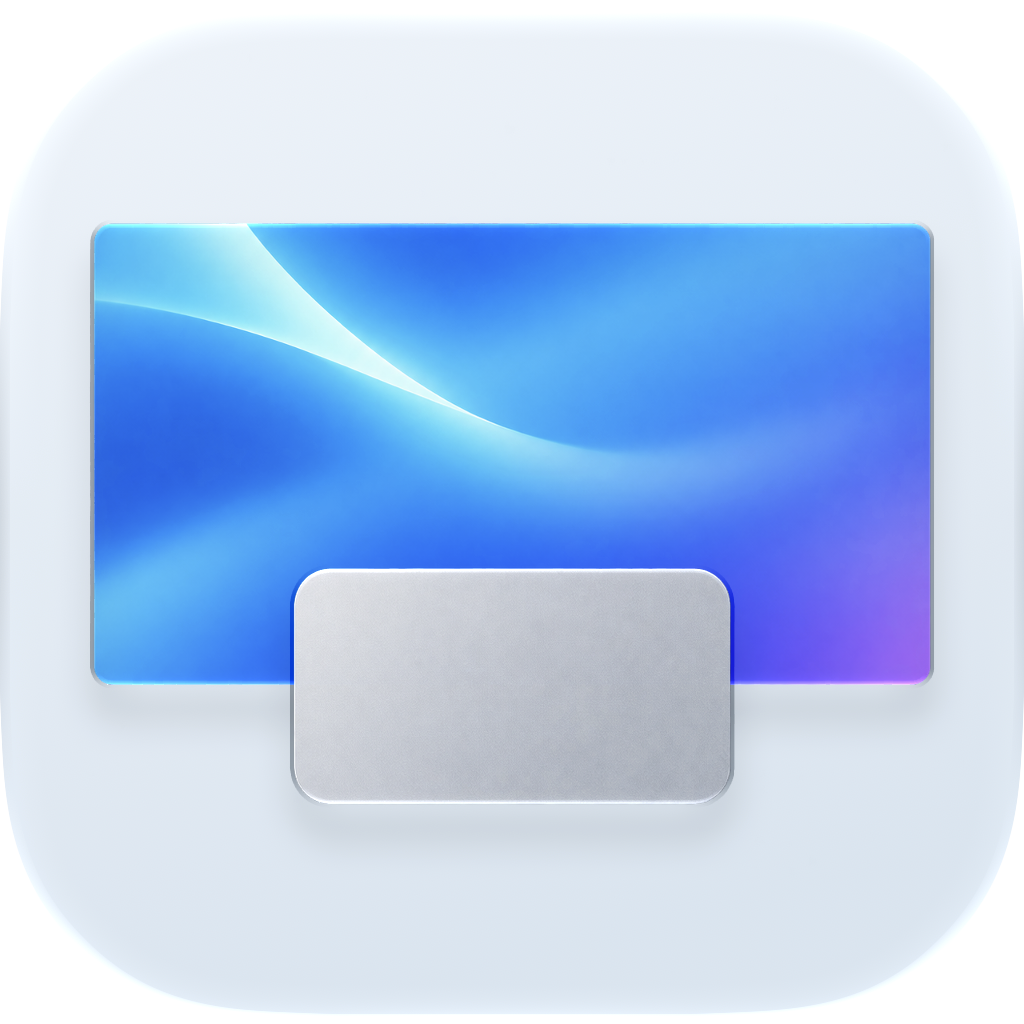 DefaultFull-size PNG ↗
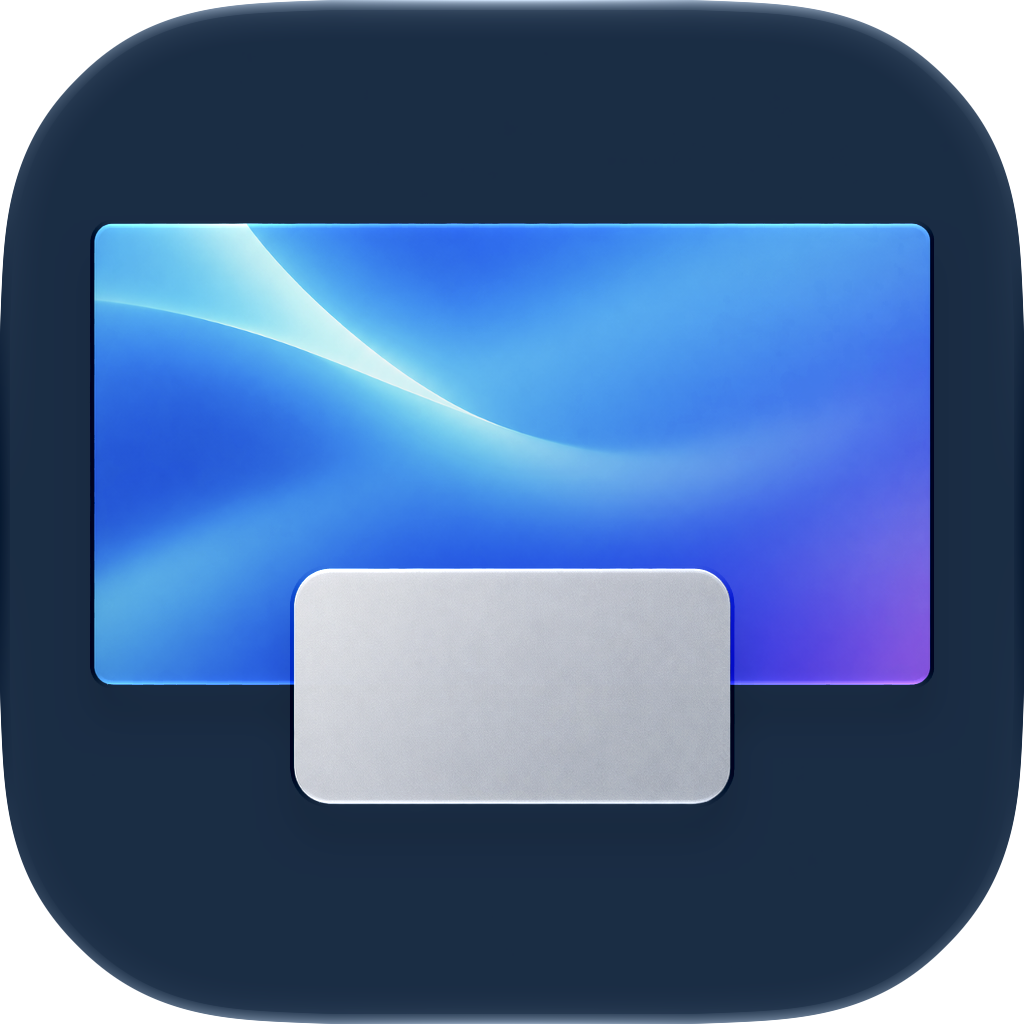 DarkFull-size PNG ↗
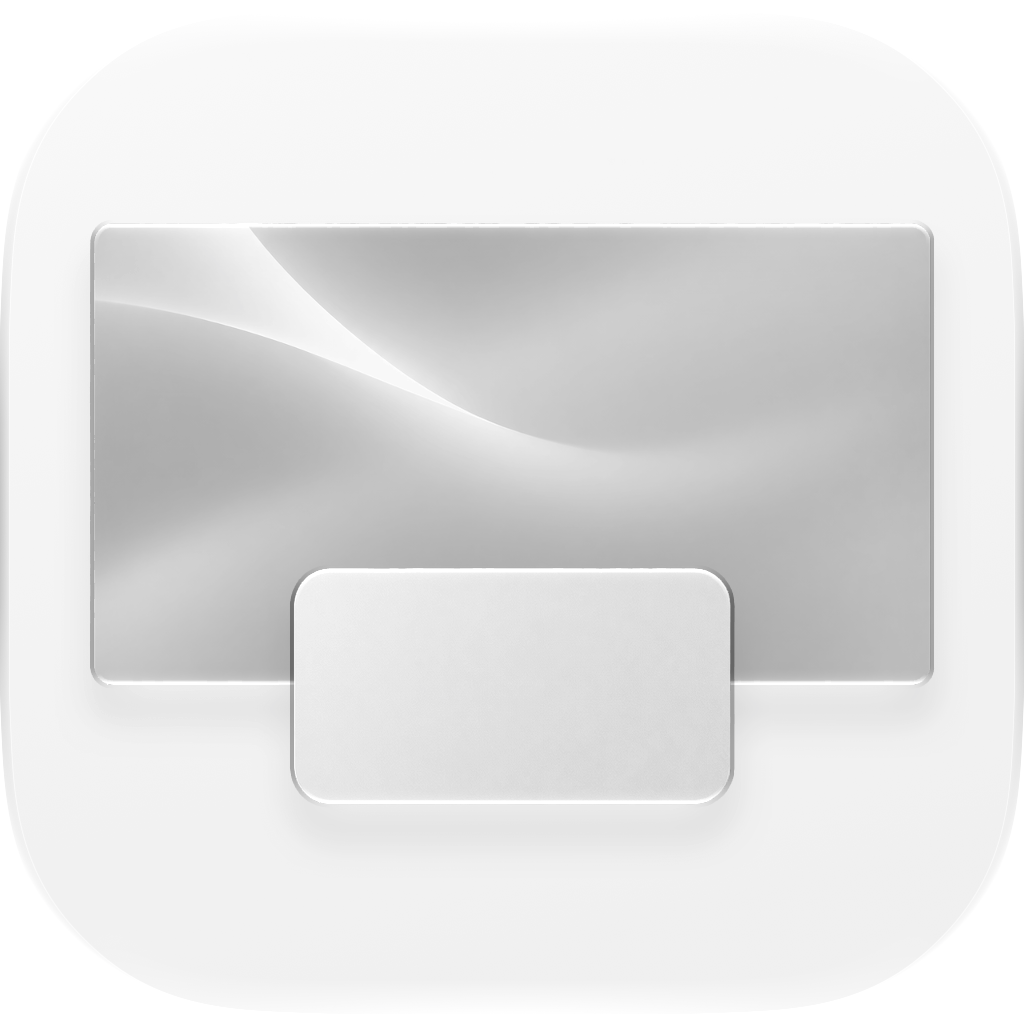 Clear LightFull-size PNG ↗
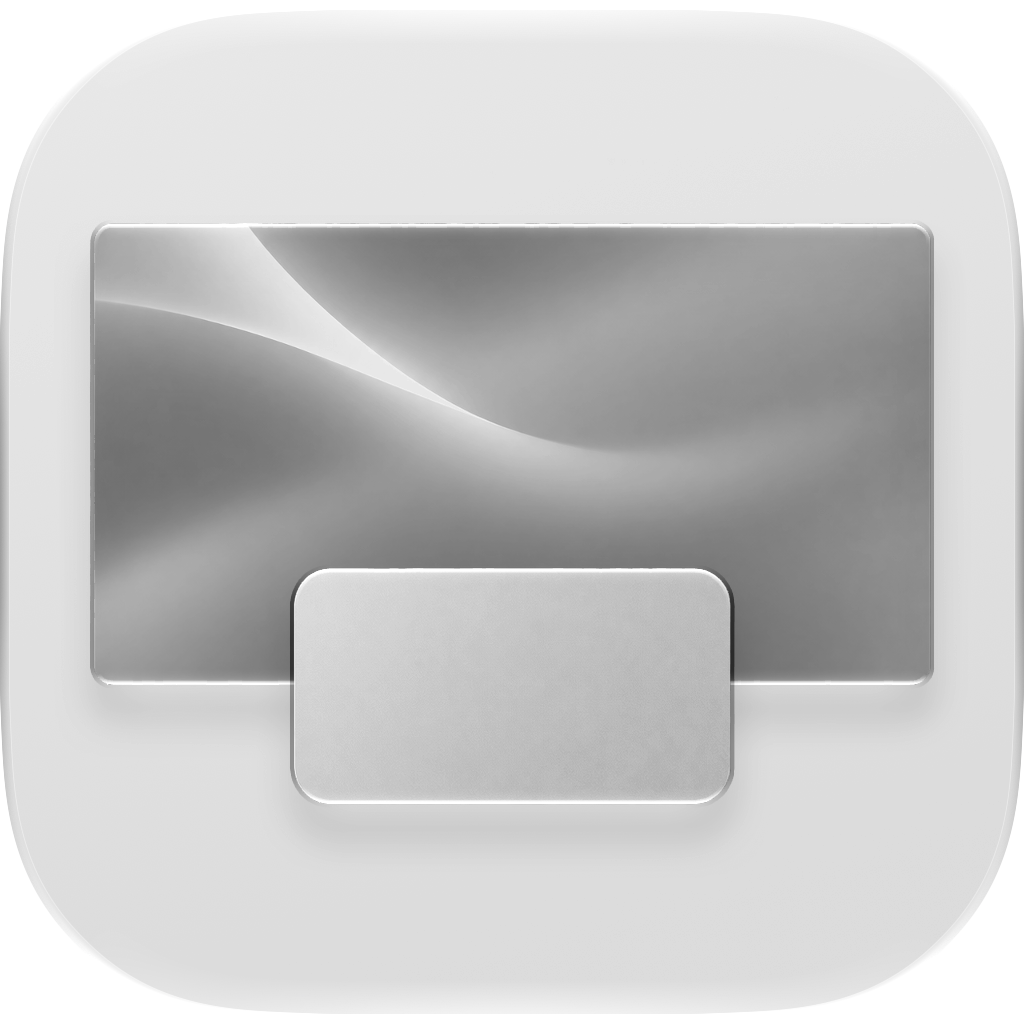 Clear DarkFull-size PNG ↗
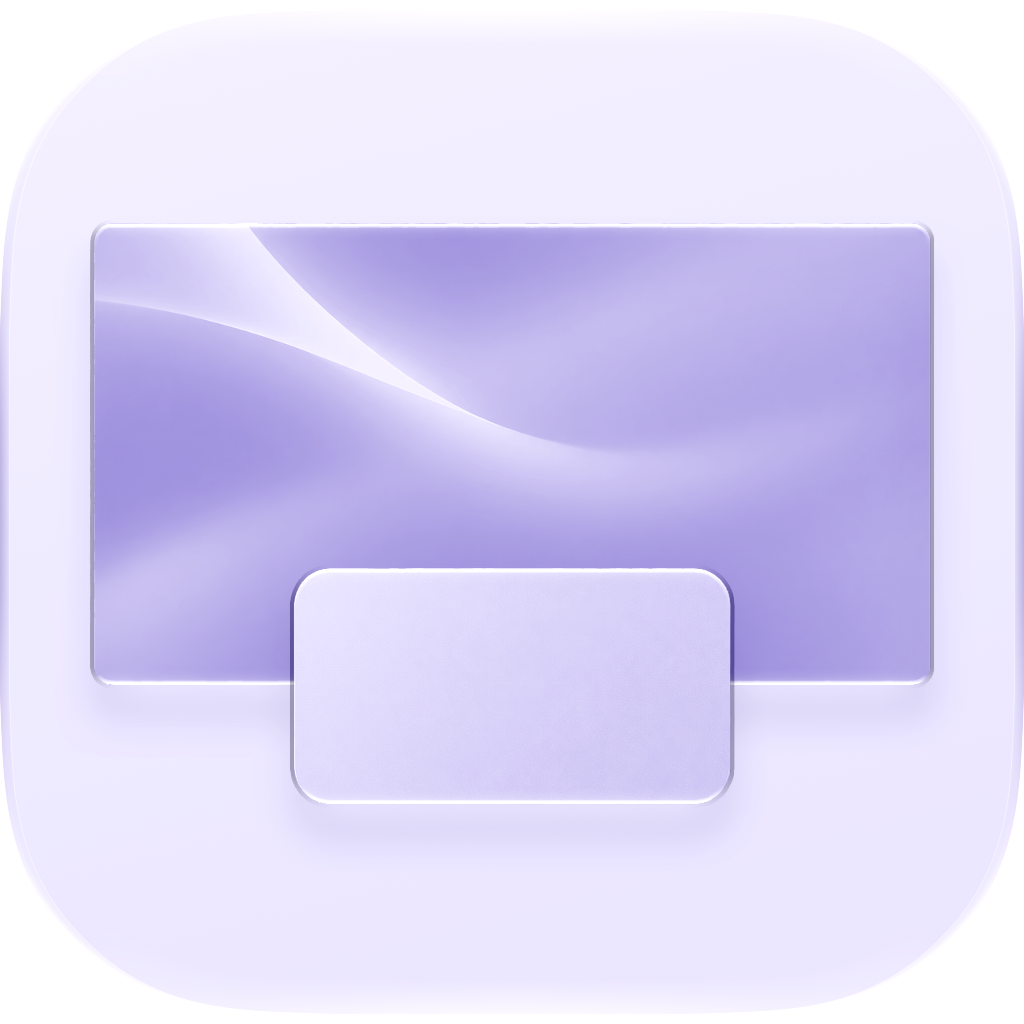 Tinted LightFull-size PNG ↗
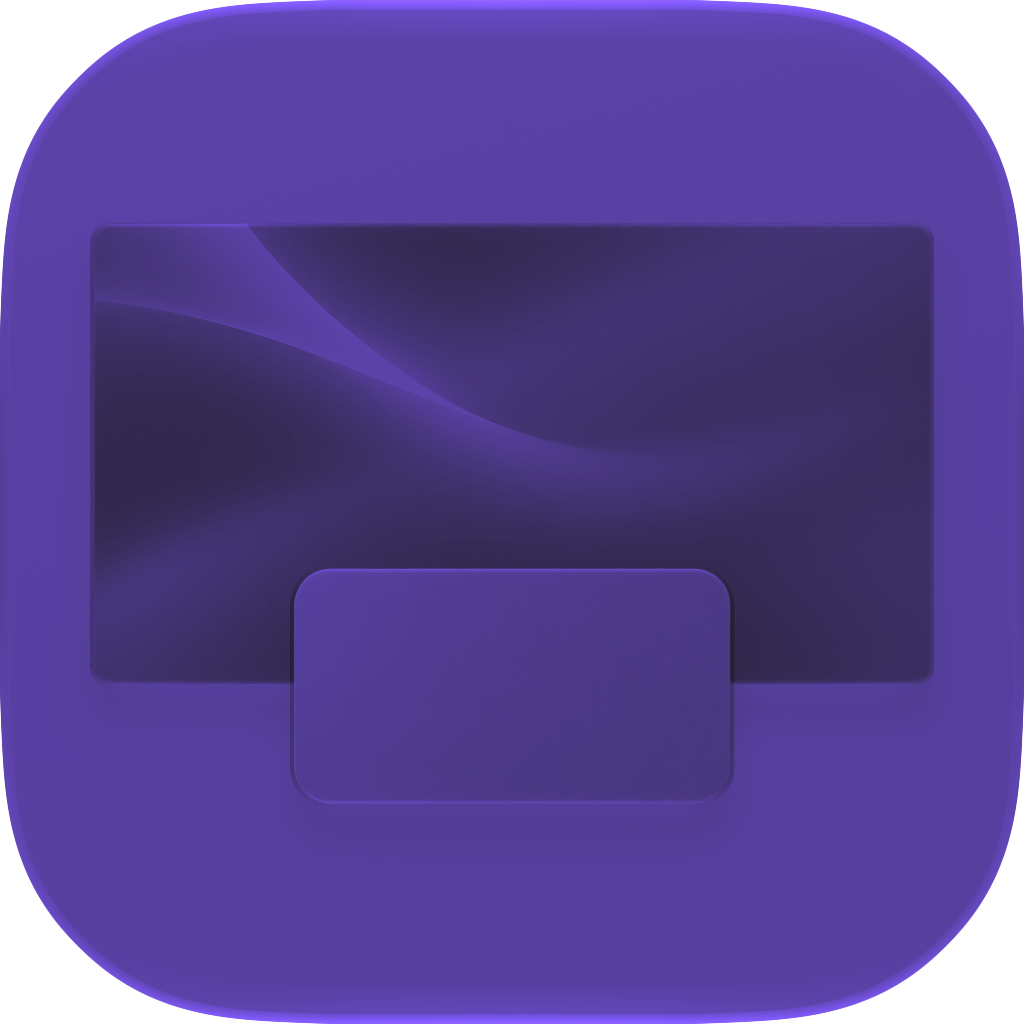 Tinted DarkFull-size PNG ↗
Editorial use is welcome with credit “Duo Trackpad / CoreBits LLC.” Please keep the artwork intact and avoid depicting features or app screens that differ from the released product.